
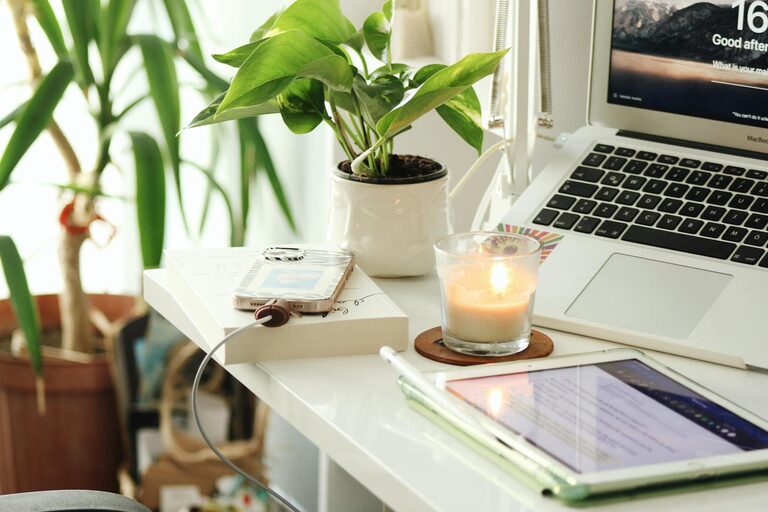
Creating a home workspace that is both cozy and productive can make a significant difference in your work-from-home experience. A well-designed area not only supports focus but also encourages comfort, which helps reduce stress and maintain motivation. Whether you have a dedicated room or a small corner in your living space, these tips will guide you in setting up a home workspace that works for you.
Why a Cozy Workspace Matters
Working from home has become more common, and having a space that feels welcoming can positively impact your day. When your workspace is inviting, you are more likely to want to spend time there. Comfort reduces distractions caused by discomfort and promotes longer periods of concentration.
Choosing the Right Location
Start by selecting a spot that suits your needs:
– Natural Light: Try to situate your workspace near a window to benefit from natural light. Daylight improves mood and energy levels.
– Quiet Area: Pick a place with minimal noise distractions for better focus.
– Space Considerations: Ensure there is enough room for your desk, chair, and any other tools or materials you use regularly.
Invest in Comfortable Furniture
Comfort is key in a workspace meant for hours of work.
Ergonomic Chair
Choose a chair that supports good posture. Adjustable height and lumbar support prevent back strain and fatigue.
Functional Desk
A desk with enough surface area for your computer, notebooks, and accessories helps keep things organized. Adjustable or standing desks are great options if you prefer to switch positions throughout the day.
Organize for Efficiency
Clutter can be a productivity killer. Keep your workspace tidy by:
– Using drawer organizers or desk trays for stationery.
– Implementing shelving or filing cabinets to store documents.
– Limiting decorations to a few meaningful items to avoid distraction.
Personalize Your Space
A cozy workspace feels personal. Add touches that make you happy and relaxed, such as:
– A small plant for a bit of greenery and fresher air.
– Artwork or photos that inspire you.
– A comfortable throw or cushion.
Just remember to keep personal items minimal to maintain focus.
Manage Lighting Thoughtfully
Good lighting reduces eye strain.
– Combine natural light with adjustable desk lamps.
– Use soft, warm lighting to create a cozy atmosphere.
– Position light sources to avoid screen glare.
Set Boundaries and Signals
If you live with others, it’s important to establish clear signals indicating when you are working.
– Use a room divider or signs if needed.
– Agree on quiet times.
– This helps minimize interruptions and maintains your focus.
Incorporate Break Areas Nearby
If space allows, set up a small area near your workspace for breaks.
– A comfy chair or cushion encourages short rest periods.
– Taking breaks away from your desk improves productivity and refreshes your mind.
Optimize Technology Setup
Make sure your tech setup is efficient:
– Use a reliable computer and fast internet connection.
– Keep cables organized to avoid tangles.
– Consider accessories like a keyboard, mouse, or external monitor for comfort.
Maintain a Routine
Finally, stick to a daily schedule to make the most of your workspace.
– Start your work at the same time each day.
– Take regular breaks.
– End your day by organizing your desk for tomorrow.
Conclusion
Designing a cozy and productive home workspace takes some thought but is well worth the effort. By choosing the right location, investing in comfortable furniture, organizing efficiently, and personalizing your area, you create an environment that supports your well-being and work goals. Small adjustments like managing lighting, setting boundaries, and optimizing technology further enhance your work experience. With these tips, your home workspace can become a place you enjoy spending time in while staying focused and productive.